
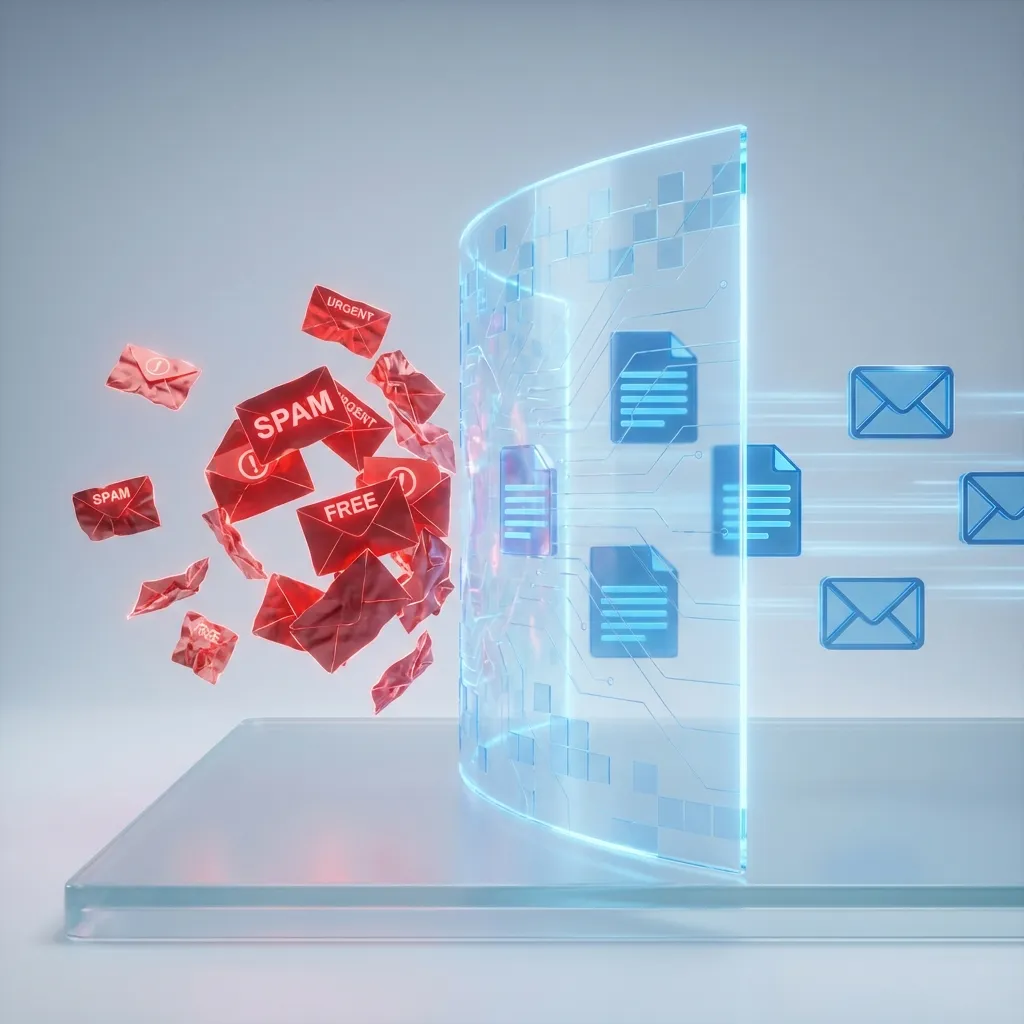
🛡️ Anti-Spam Manifesto: Spam isn't just an annoyance; it's a security threat and a productivity killer. This guide reveals the mechanics of the spam industry and how Disposable Email Addresses (DEAs) serve as your ultimate firewall.
- 🔹 The Problem: 120+ unsolicited emails per day
- 🔹 The Solution: Strategic use of temporary email
- 🔹 Result: A pristine primary inbox & zero tracking
- 🔹 Tool: etempmail.org
We have all been there. You sign up for one "free" newsletter, and suddenly your inbox is bombarded with offers for pills, crypto schemes, and shady loans. It feels like an invasion of your digital home.
Spam accounts for roughly 45% of all emails sent globally. That's nearly 15 billion junk messages clogging the internet's arteries every single day. But you don't have to be a victim. By changing how you manage your email identity, you can stop spam dead in its tracks.
📑 In This Guide:
The Mechanics of Spam: How They Find You
To defeat the enemy, you must allow understanding. How did your private email address end up on a list sold to hundreds of marketers? It usually happens through one of three vectors:
1. The "Trojan Horse" Signup
You want a 10% discount code. You enter your email. Buried in the Terms of Service (which you didn't read) is a clause allowing the company to sell your data to "partners" and "affiliates." Instantly, your email is legally sold to data brokers.
2. Web Scraping & Harvesting
Bots constantly crawl websites, forums, and social media looking for the "@" symbol. If you posted your email in a public comment section or have it on your "Contact" page, the bots have it.
3. Recent Data Breaches
This is the most dangerous. A trusted service (like Adobe, LinkedIn, or Yahoo) gets hacked. Hackers steal the database of millions of users. These lists are sold on the dark web. Spammers buy them for pennies.
📊 Stat: In 2024 alone, over 300 billion records were exposed in data breaches. It is statistically probable that your main email is already compromised.
Why Spam is Dangerous (It's Not Just Noise)
Deleting emails takes time, but the real cost of spam is hidden security risk.
Phishing Attacks
Spam often mimics legitimate services (like "Reset your Netflix password"). One click can compromise your entire digital life.
Malware Distribution
That attached "Invoice.pdf" or "ShippingLabel.zip" might actually facilitate ransomware that locks your computer until you pay.
Tracking Pixels
Marketing emails contain invisible 1x1 pixel images. When images load, the sender knows exactly when you opened it, your IP address (location), and what device you are using.
The Solution: The Firewall Strategy
You wouldn't give your home key to every delivery driver. You shouldn't give your master email key to every website.
The solution is compartmentalization using etempmail.org. Think of it as a firewall for your inbox.
How the Firewall Works:
- Zone 1: The Vault (Your Real Email) - Only for family, banking, and critical services. Spam Level: 0%.
- Zone 2: The Filter (Aliases) - For trusted but commercial services (Amazon, Netflix). Using aliases lets you turn them off if they spam.
- Zone 3: The Incinerator (Temporary Email) - For EVERYTHING else. One-time purchases, free downloads, wifi portals, random sign-ups. Spam Level: 100% (but you don't see it).
By using a disposable email address for Zone 3 activities, you sever the link between the spam source and your real identity. The spam arrives at a temporary inbox that self-destructs hours later. You are gone before the junk mail even lands.
How to Implement Your Anti-Spam Defense
Ready to clean up your digital life? Here is your battle plan.
The "Zero Trust" Signup Rule
Adopt a policy of "Zero Trust" with new websites. Unless you are legally required to provide your real identity (e.g., government, taxes) or you need long-term recovery (e.g., banking), assume the site will spam you.
Step 1: Identify the Request
You are on a site. A popup appears: "Enter your email to get 10% off." Stop! Do not auto-fill your Gmail.
Step 2: Generate Defense
Open a new tab. Type etempmail.org. Copy the address immediately.
Step 3: Extract Value
Paste the temp email. Get the coupon code / download link / verification.
Step 4: Abandon Ship
Close the temp email tab. You have the value. The website has a dead-end email address. When they send their "newsletter" tomorrow, it will bounce. You have won.
Real World Scenarios
Scenario A: The Airport Wi-Fi
The Trap: To access free airport Wi-Fi, you must enter an email address.
The Risk: The airport Wi-Fi provider sells passenger data to advertisers.
The Fix: Use etempmail. Connect to Wi-Fi. Confirm email. Browse in peace.
Scenario B: The "Whitepaper" Download
The Trap:A B2B company offers a "2026 Industry Report" but puts it behind an email wall.
The Risk: Aggressive sales reps will email and call you basically forever.
The Fix: Temp email. Get the PDF. Ghost the sales team.
Scenario C: Beta Testing
The Trap: You want to try a new AI tool that just launched.
The Risk: The startup gets hacked next month (common for new startups).
The Fix: Use temp mail to create the account. If the tool becomes essential to your workflow, you can update the email later. If not, you walked away safe.
⚠️ Reminder: Temporary email is for incoming spam protection. Do not use it if you need to send outgoing emails to real people.